Design it here.
Keep it yours.
A free design editor that runs in your browser. Make posts, slides and posters without an account, on your laptop or your phone.
- No sign-up
- Saved on your device
- Free exports
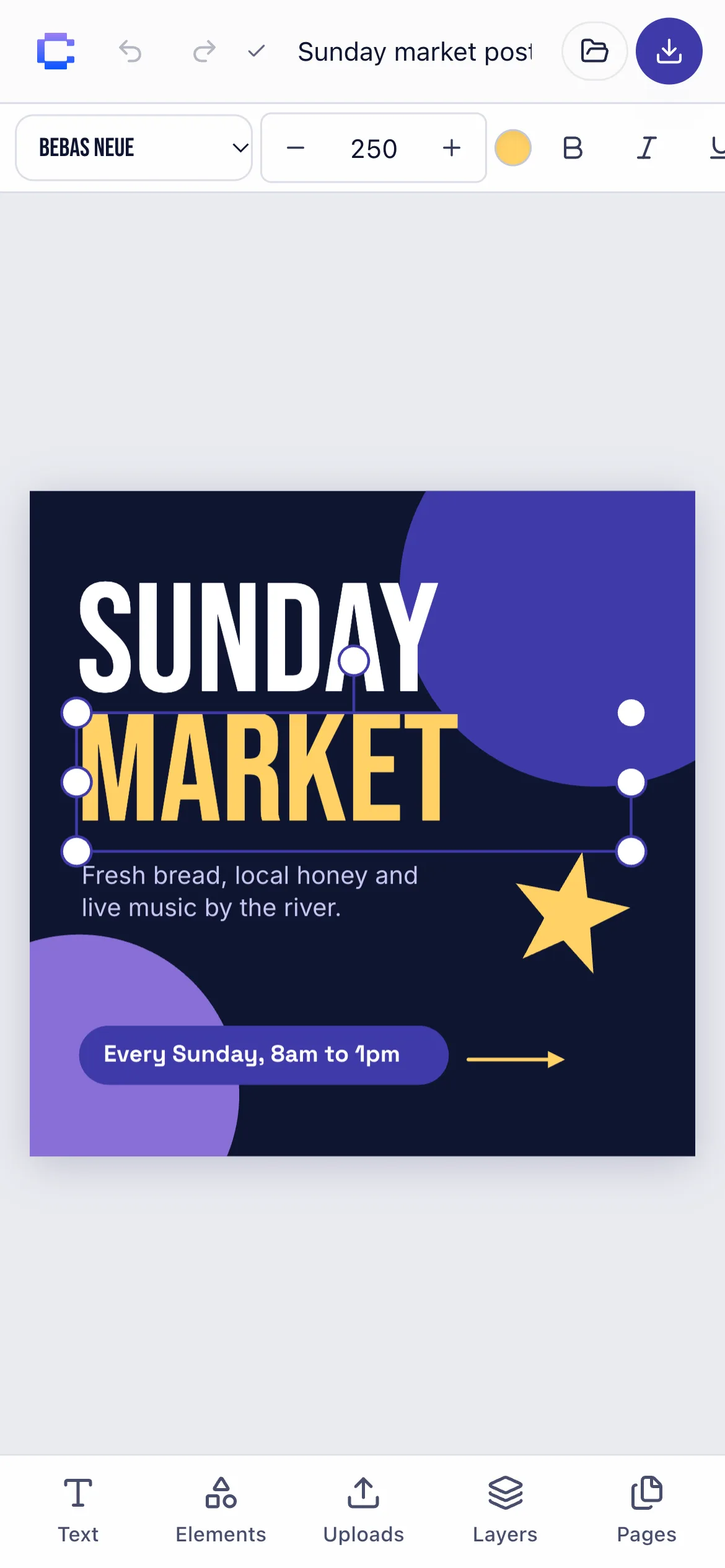
The whole editor, nothing to install
Everything opens in a browser tab. No download, no plug-ins, no waiting.
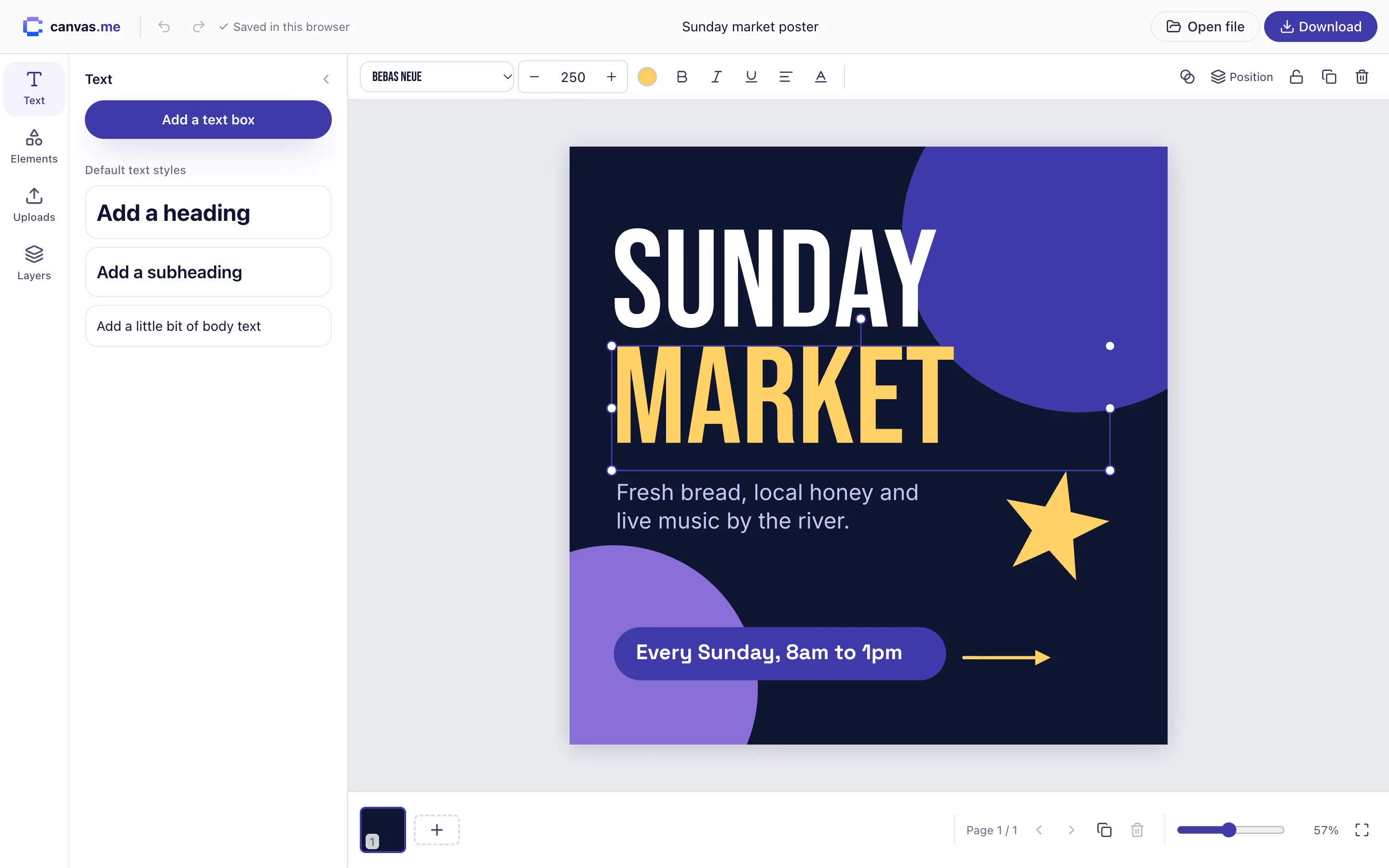
The tools you reach for
Text that looks right
17 typefaces including Geist, Bebas Neue and Playfair. Size, colour, bold, italic, alignment, letter and line spacing.
Shapes and lines
Squares, circles, triangles, stars and hexagons with fills, borders and rounded corners. Lines, dashes and arrows.
Your own images
Upload, drag in or paste PNG, JPG, GIF, WebP or AVIF. Round the corners and place them anywhere.
Layers and groups
Reorder, lock, hide and group elements. Snapping guides line things up as you drag.
Multiple pages
Build a carousel or a slide deck in one design. Duplicate, reorder and export every page at once.
Works on your phone
Pinch to zoom, tap to select, and a bottom panel built for thumbs. Same designs, same tools.
Your work stays yours
- Saved as you goEvery change is stored in this browser a moment after you make it.
- Never uploadedDesigns and images stay on your device. There is no server copy.
- Yours to carryDownload a work file to back up a design or move it to another device.
A .canvasme work file is a single download with your pages and images inside. Open it in canvas.me on any device to keep editing.
From blank page to finished file
- 1
Make
Pick a size, then add text, shapes and your own images.
- 2
It saves itself
Changes are kept in this browser automatically.
- 3
Export
Download PNG or JPG for posting, or a PDF for print.
- 4
Back up
Download a .canvasme work file with everything inside it.
- 5
Reopen anywhere
Open the work file on any computer and keep editing.
Start from a size
Each one opens a blank design in the editor.
Questions
Short answers about how canvas.me works.
Is canvas.me really free?+
Yes. There is no paid plan, no trial and no watermark on exports.
Do I need an account?+
No. Open the editor and start designing. There is nothing to sign up for.
Where are my designs saved?+
In your browser's own storage on this device. Nothing is uploaded to a server, so nobody else can see your work.
What happens if I clear my browser data?+
Your designs are deleted with it. Download a .canvasme work file for anything you want to keep, and open it again whenever you like.
Can I move a design to another computer or my phone?+
Yes. Download the work file, send it to the other device, and open it in canvas.me there. Images and pages come with it.
Which file types can I export?+
PNG and JPG at twice the design size, a zip of every page as images, or a multi-page PDF.
Your next post is one tab away
Free, private and ready on any device. No account needed.
Start designing